How can I upscale and enhance an image with AI?
Upload a photo, product image or graphic, choose 2x or 4x enlargement, then select the treatment that matches your source. DIY AI Studio uses Topaz Precision to create a larger PNG from your existing image. Review the credit quote before generating, inspect the result on the left and download the version you want to keep.
Upload a JPEG, PNG or WebP up to 8 MB and 12 megapixels. Output can reach 48 megapixels, with a maximum of 12,000 pixels on either edge. A 4x enlargement multiplies both width and height, so it produces 16 times as many pixels. Choose 2x or a smaller source if the output would exceed the limit.
Topaz Precision: 3 credits up to 24 MP output. Review the exact quote before generation.
Using this tool
Start with Everyday photo for general images. Fine detail suits sources with texture, Compressed photo addresses lower-quality files, and Text & graphics is intended for screenshots and artwork where edges and lettering matter. Use the cleanest source you have and keep the original for comparison.
Choose the enlargement for its intended use. A product image for a web page may only need 2x, while a small source may need 4x for a larger layout. Check fine text, faces and repeated patterns at the final size: enhancement cannot guarantee recovery of details that were absent from the source.
Credits depend on the output size, rather than the upload file size. Studio shows the applicable price before you confirm. A different scale can change that price, so check the updated quote after changing your settings.
Your completed PNG replaces the preview and appears in the enhanced-image history below the creation controls. Results are private to your account and available for seven days. Download a copy before that deadline; downloading does not extend Studio storage. You can delete an unwanted result from its history card.
Generation requires a signed-in account, an active Studio plan and enough credits. Available models and settings can change; review the current credit quote before submitting.
DIY AI Studio is the browser workspace from DIY AI for generating images, video, music and voice with one membership and shared credits. Choose an available generator, review its credit quote and create, or compare image models using the same prompt.
DIY AI Studio and Google AI Studio are separate services.
Eligible customers can try Studio free for 7 days with 50 Studio credits. US$0.00 due today. Then US$9.99/month with 100 credits until cancelled. Card required.
Trial, eligibility and cancellation
A card and email verification are required. Newsletter signup is optional. Credit costs vary by model and settings; check the quote before generating.
One trial per customer and card. Eligibility is checked at signup; eligible existing Free accounts can also apply. This is a limited trial, not an ongoing free plan.
Cancel online before renewal to avoid the monthly charge. Cancelling during the trial ends access and revokes unused trial credits immediately.

AI Image Upscaler and Enhancer
Use the AI image upscaler to enlarge photos, product images and graphics by 2x or 4x with Topaz Precision. Check the credits and download an enhanced PNG.
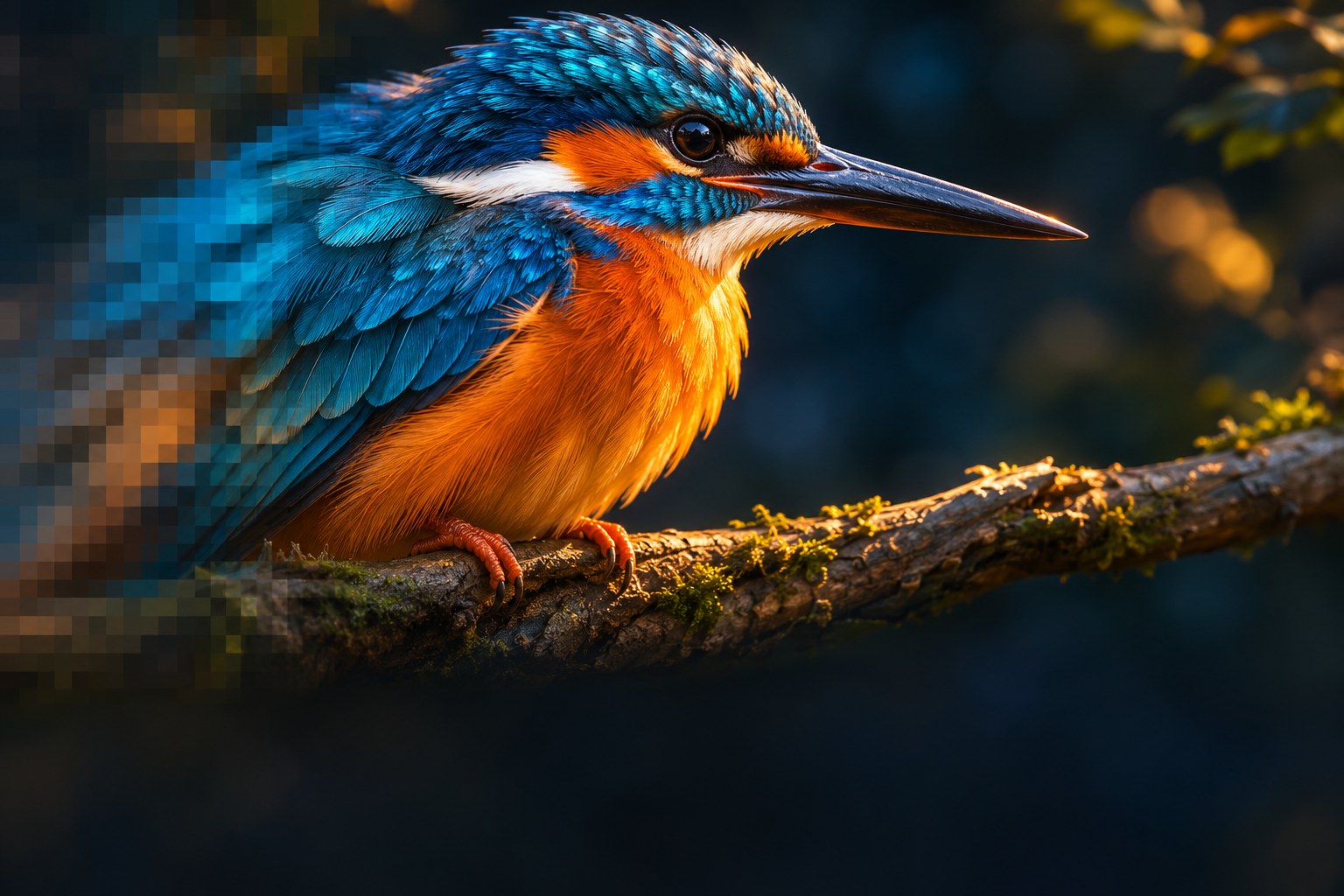
A CLEARER PICTURE
Bring every detail into focus
Enlarge a photo, sharpen a product image or prepare a clearer thumbnail.
Illustrative artworkCreating your result
You can leave this page. Your creation will be waiting here.
Your enhanced images
All available creations in this category. Download within 7 days to keep a copy.
Your creations will appear here.