
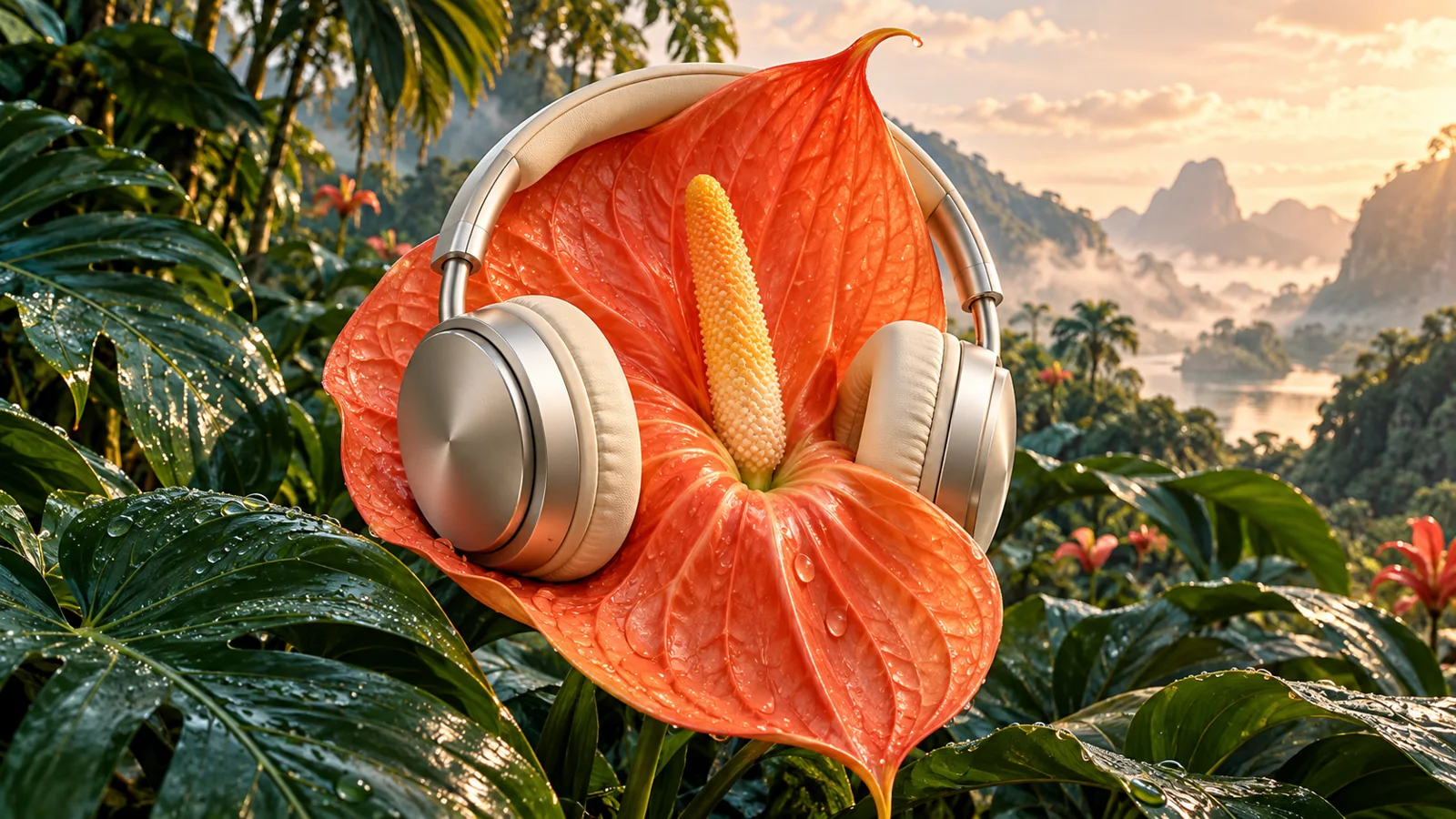
Combine images into one coherent composition
An AI image combiner uses your reference images and written instructions to create a new composition. Combine a subject with a background, arrange product references or explore a scene built from several images. With one image, describe the change you want to make instead.
How to use this tool
Add one to six reference images, write how they should fit together and select the output shape. Describe the intended lighting, scale and perspective for a natural result. Generate, inspect the details and download the finished image.
Tips for a better result
- Choose references with clear subjects. Describe which image supplies the subject, background or style so their roles are unambiguous.
- Specify scale, camera angle and light direction together. For a single-image edit, say what should change and which details should stay.
- Inspect faces, product labels and edges at full size. Generated compositions can reinterpret small details, so retain the source images for comparison.
Frequently asked questions
Will every detail remain identical?
No. AI image editing can change faces, text, proportions and fine details. Inspect the output before using it, and only upload images you are entitled to process. Reference images are resized for processing; original files are not overwritten.
Membership, credits and privacy
You can explore the tool before signing in. Generating requires an active Studio membership and enough credits. Eligible new members can start with a 7-day free trial with 50 credits (card required), then $9.99/month with 100 credits unless cancelled. Review the current terms when joining; the credit price for your recording or edit is shown before it starts.
Results are private to your account. Unsaved results expire after seven days. Use Save to keep results in your Saved section and protect them from automatic cleanup. Voice references remain available for 30 days, or longer while their recording is saved. You can delete results and voices at any time.