Skip to workspace

AI Face Swap

Use a face photo and a target image to create a new image in Studio. Confirm permission, prepare your images and generate your face swap.

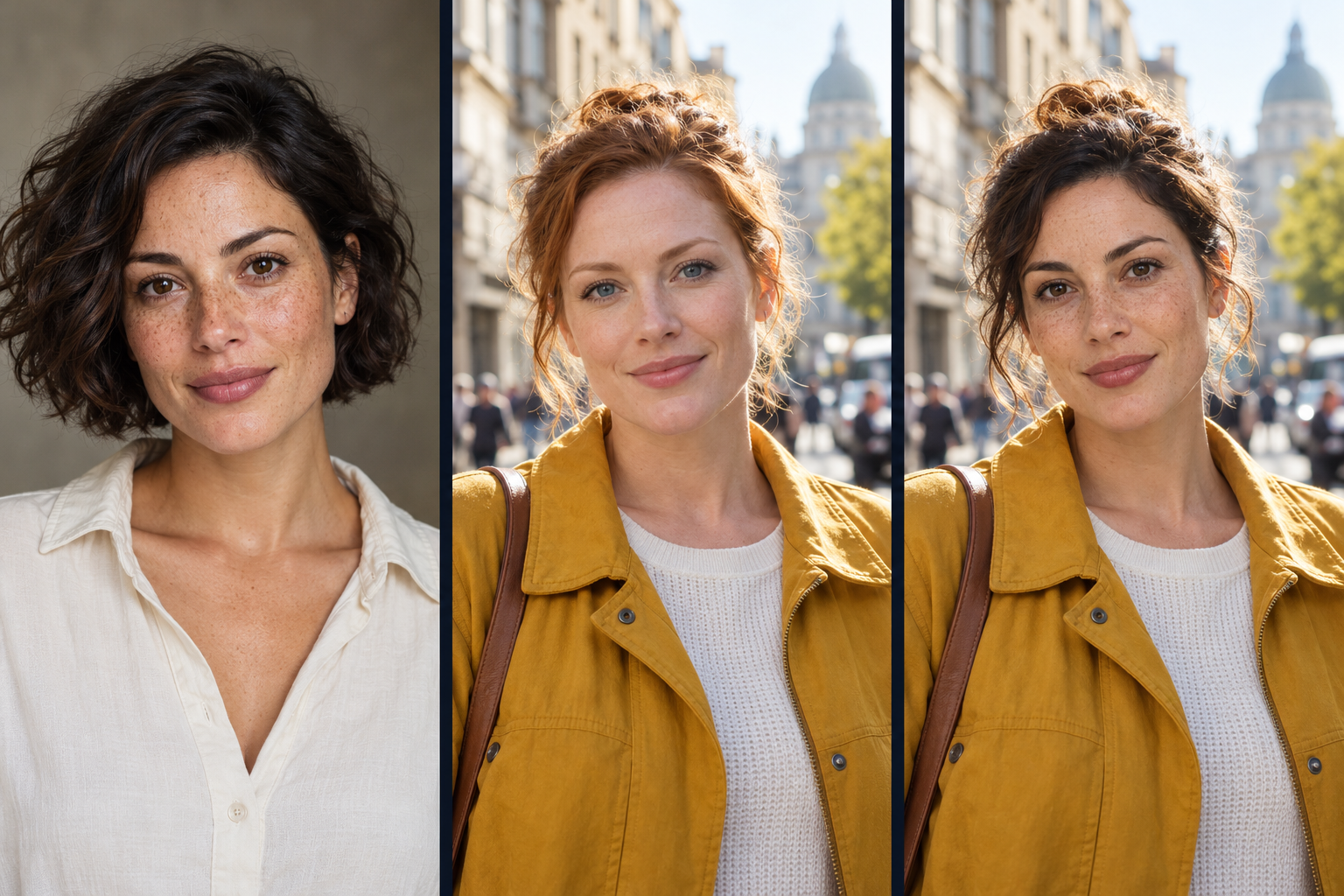
Face Swap previewIllustrative example
Three portraits illustrating a source face, a target photo and a face swap concept.
Source faceTarget photoSwap concept

Illustration only. Your latest completed face swap will appear here.

JPEG, PNG or WebP, up to 8 MB per image. Use one face in each photo: the service selects the largest face when several are present. Uploads are resized and metadata is removed before processing.

Checking Face Swap availability…

Your Face Swap library

WORKING IN THE BACKGROUND

Your generations

Keep creating. Your work continues as you move around Studio.