
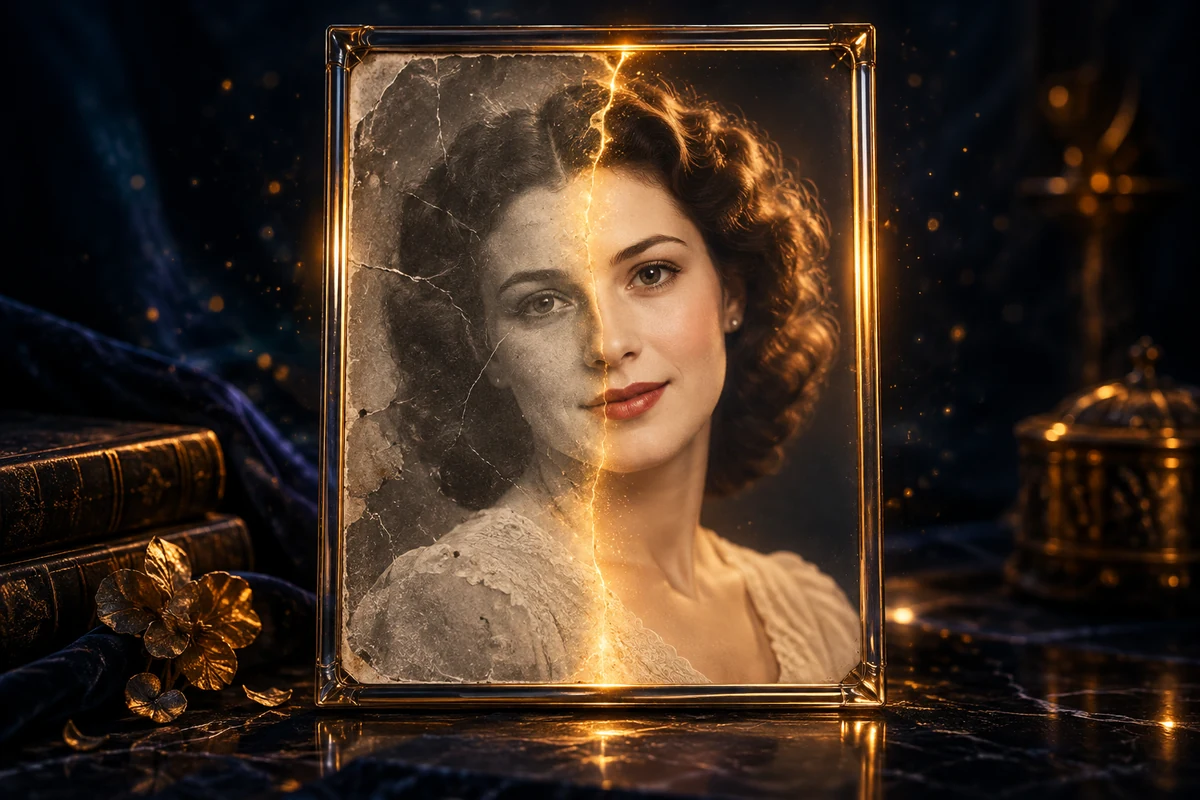
Make old photos sharper and clearer
Scanned family photographs can be faded, soft or scratched. AI photo restoration creates an edited copy with clearer edges and reduced visible damage. This is generative editing, not a guarantee that missing historical detail can be recovered.
How to use this tool
Upload your best available scan as a JPEG, PNG or WebP. Choose gentle or balanced restoration, then preserve the original colours or request colourisation of a black-and-white photo. Compare faces and fine details with the original before downloading the PNG.
Tips for a better result
- Start with the highest-quality scan you have. Keep the original and avoid repeatedly compressing the same photograph before uploading.
- Choose a gentle restoration first for faces and historically important details. Stronger processing can invent plausible textures or facial features.
- Compare the restored copy with the original, especially eyes, hands and lettering. Colourisation is an interpretation of the scene rather than a record of its original colours.
Frequently asked questions
Can AI recover the exact missing details?
No. Missing details may be filled in plausibly rather than recovered faithfully. Use gentle restoration for important portraits, keep the original scan and identify colourised or substantially edited versions.
Membership, credits and privacy
You can explore the tool before signing in. Generating requires an active Studio membership and enough credits. Eligible new members can start with a 7-day free trial with 50 credits (card required), then $9.99/month with 100 credits unless cancelled. Review the current terms when joining; the credit price for your recording or edit is shown before it starts.
Results are private to your account. Unsaved results expire after seven days. Use Save to keep results in your Saved section and protect them from automatic cleanup. Voice references remain available for 30 days, or longer while their recording is saved. You can delete results and voices at any time.