How can I generate a vector logo, icon or illustration?
Describe a vector logo symbol, icon or illustration and download it as an editable SVG. Recraft V4.1 Vector creates the graphic from your prompt. Choose the canvas shape, add optional brand colours and review the credit quote before generating. The finished artwork appears in the preview and in your brand-graphics history.
Prompts can contain up to 3,000 UTF-8 bytes. Choose a square, 16:9 landscape or 3:4 portrait canvas. You can supply up to five six-digit hex colours, separated by spaces. This tool generates a vector graphic from a written brief; it does not assemble a complete brand kit or edit an uploaded logo.
Recraft V4.1 Vector: 3 credits / SVG. Review the exact quote before generation.
Using this tool
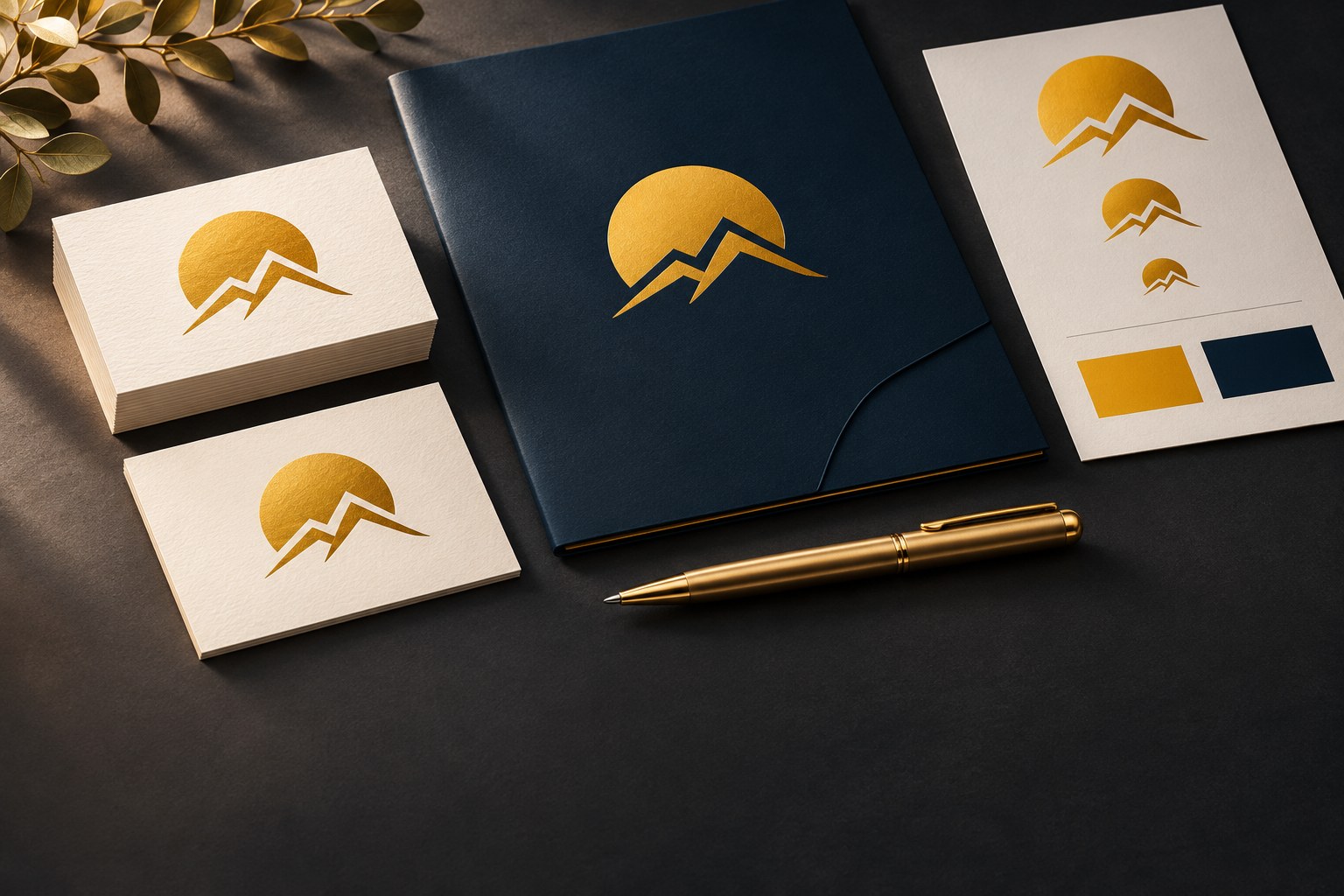
Write what the mark represents, where you will use it and how it should look at a small size. For example: a simple geometric mountain symbol for an outdoor travel brand, rounded shapes, two colours, no text. Choose Logo symbol for a compact mark, Icon for a single recognisable object, or Illustration for a more detailed composition.
Use brand colours when colour consistency matters. Enter values such as #FFB800 #102436, then inspect the result against your intended background. Keep the composition simple for a favicon or navigation icon; a detailed illustration may work better in a presentation or on a larger page.
SVG stores vector shapes rather than a fixed grid of pixels. Download the file to adjust paths, spacing and colours in a vector editor. Review any lettering carefully and test the mark at both small and large sizes before adopting it. Generation does not establish that a design is unique or cleared for trademark use.
The current credit price is shown beside the model and confirmed before generation. Each result is private to your account and available in this category for seven days. Download work you want to retain before that deadline; downloading does not extend Studio storage. Use View to return an earlier graphic to the large preview, or Delete to remove an unwanted result.
Generation requires a signed-in account, an active Studio plan and enough credits. Available models and settings can change; review the current credit quote before submitting.
DIY AI Studio is the browser workspace from DIY AI for generating images, video, music and voice with one membership and shared credits. Choose an available generator, review its credit quote and create, or compare image models using the same prompt.
DIY AI Studio and Google AI Studio are separate services.
Eligible customers can try Studio free for 7 days with 50 Studio credits. US$0.00 due today. Then US$9.99/month with 100 credits until cancelled. Card required.
Trial, eligibility and cancellation
A card and email verification are required. Newsletter signup is optional. Credit costs vary by model and settings; check the quote before generating.
One trial per customer and card. Eligibility is checked at signup; eligible existing Free accounts can also apply. This is a limited trial, not an ongoing free plan.
Cancel online before renewal to avoid the monthly charge. Cancelling during the trial ends access and revokes unused trial credits immediately.

AI SVG Generator for Logos and Icons
Generate editable SVG logos, icons and illustrations from a text prompt with Recraft. Add your brand colours and check the credit price before generating.
BUILT AROUND YOUR IDEA
Give your next idea an identity
Create editable vector logos, icons and illustrations.
Illustrative artworkCreating your result
You can leave this page. Your creation will be waiting here.
Your brand graphics
All available creations in this category. Download within 7 days to keep a copy.
Your creations will appear here.